00//Simulation / Education

Webots Academy

A Robotics Lab in Your Browser.

Read the theory, write a controller, and run a Webots simulation in one browser tab. Educators build classes from ready-made lessons, invite students, and review their submissions.

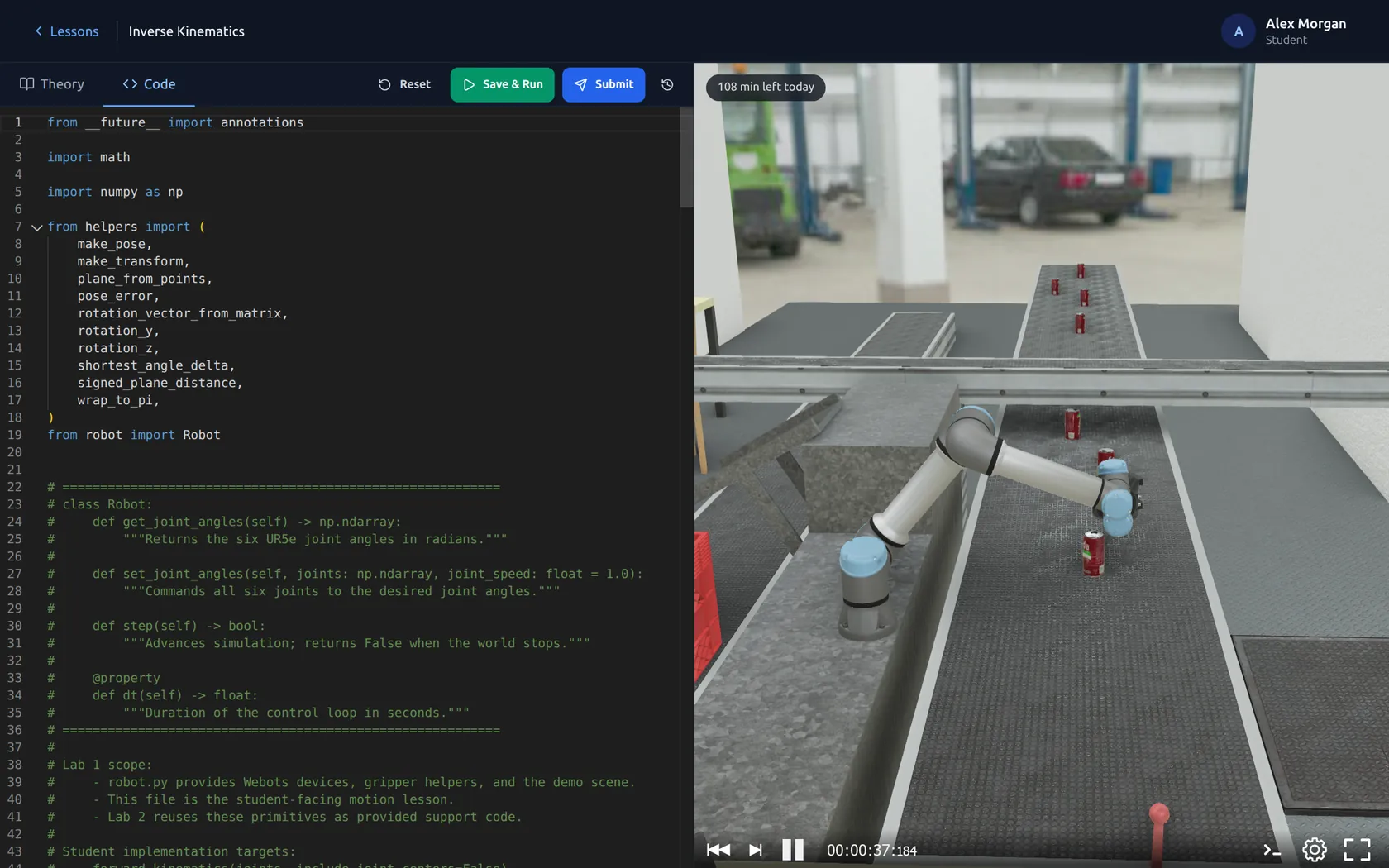
Webots Academy on a laptop: Python code beside a simulated robot arm
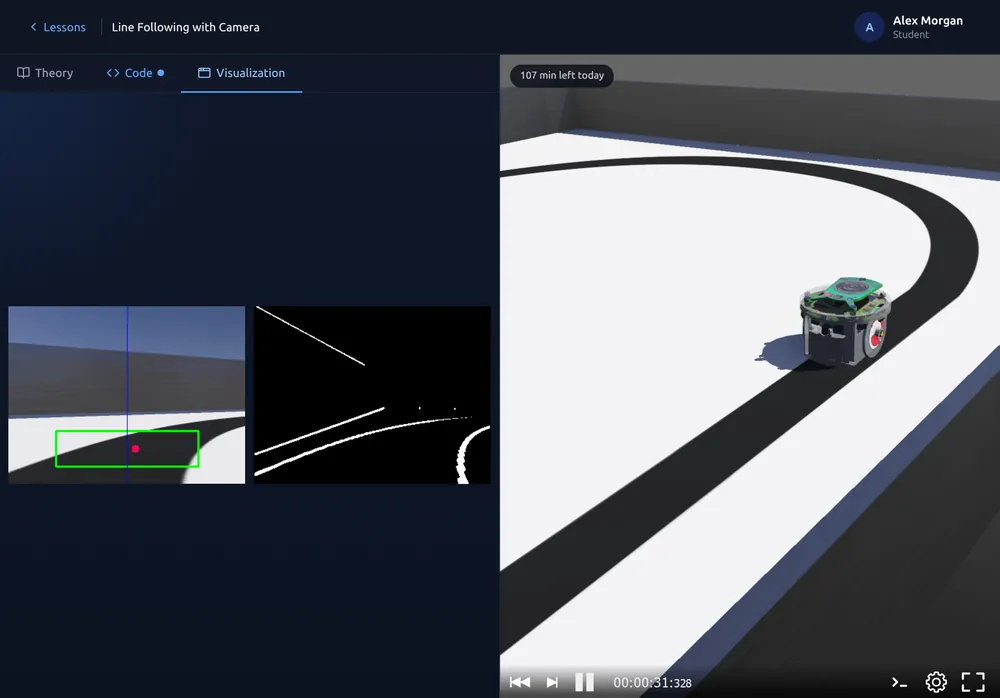
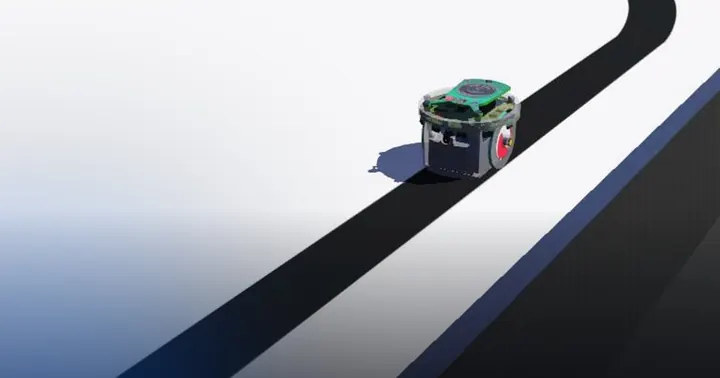
Webots Academy on a tablet: camera output and a line-following robot
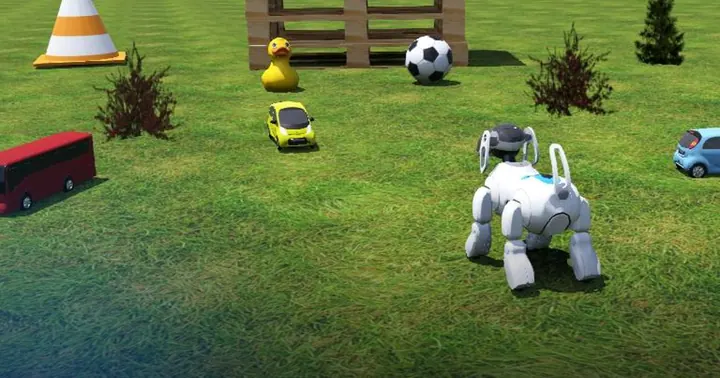
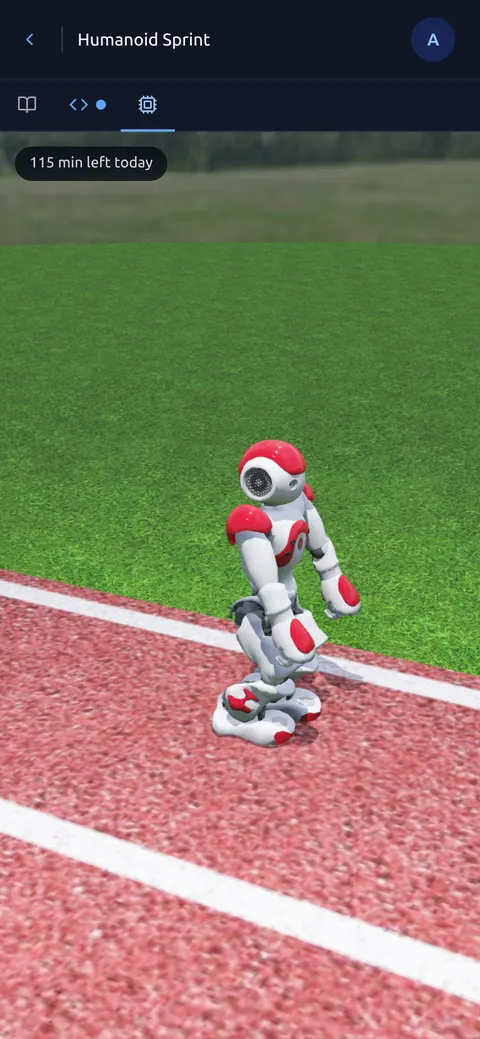
Webots Academy on a phone: a humanoid walking in simulation
Webots Academy / Laptop, Tablet & Phone
01//Learn & Teach

Robotics Classes in the Browser.

A shared environment for independent learners, students, and the people teaching them.

For Educators

Build a class from ready-made lessons or your own Webots projects. Invite students with a link and manage assignments from one place.

  • Order lessons and set assignment deadlines.
  • Review code and lesson-defined simulation results.
  • Rerun submissions and leave written feedback.
Create a Class

For Learners

Read the theory, edit a Python robot controller, and test it in a Webots simulation. Learn independently or join your educator’s class.

  • Save drafts and return to your controller later.
  • Submit coursework and revisit feedback in your history.
  • Use the browser workspace without installing a local simulator.
Find Your First Lesson
02//The Learning Loop

Read Theory. Write Python. Test in Webots.

The theory, editor, and simulation stay together in the browser. No local simulator installation required.

  1. 01 /

    Understand the Task

    Start with the lesson theory and the robot’s objective.

  2. 02 /

    Write a Controller

    Apply what you’ve learned in the browser code editor.

  3. 03 /

    Test in Simulation

    Run the controller on a simulated robot, observe its behavior, and iterate.

Bring a Robot Lab to Your Classroom.

Explore the lessons and current plans for individual learners and classes.

Visit Webots Academy